

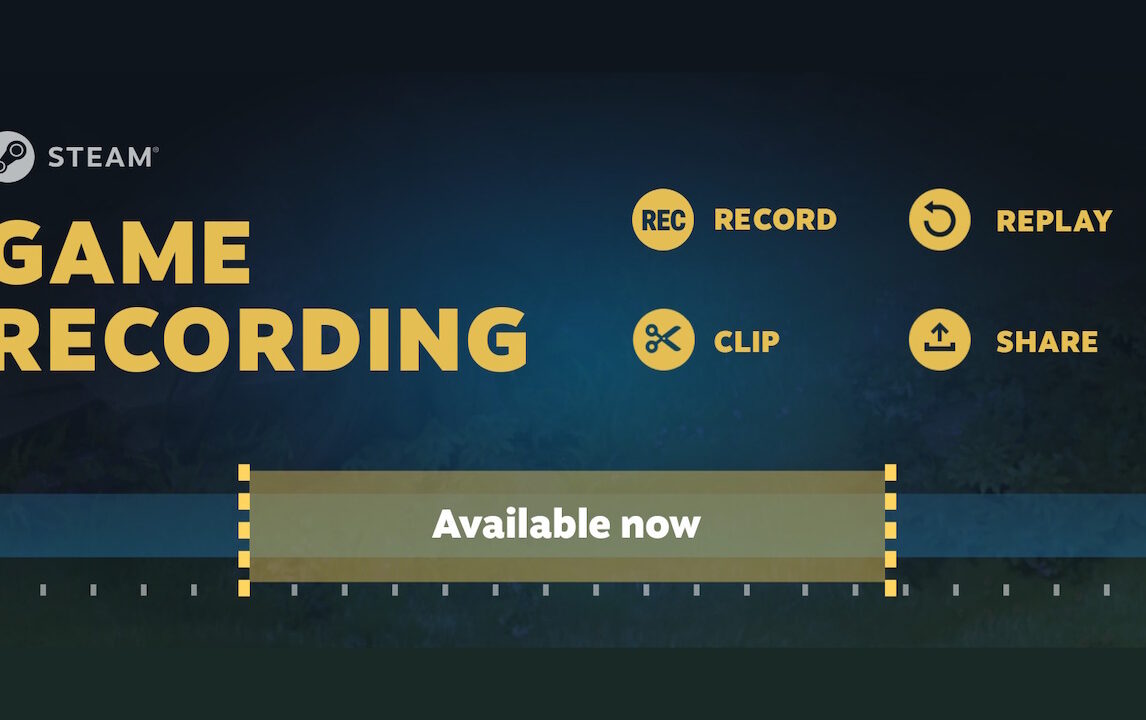
Steam Game Recording has officially exited beta and is now available to all users, allowing PC, Mac, and Steam Deck players to easily capture and share audio and video from their gaming sessions. This feature joins other popular recording options for PC gamers, such as the Xbox Game Bar, Nvidia GeForce Experience, and AMD’s Adrenalin.
Read: Bandwidth Blog & Smile 90.4FM Tech Tuesday: Mac Week!
This Steam client update is also the first to discontinue support for older operating systems, specifically Windows 7 and 8, as well as macOS versions 10.13 and 10.14. Valve had previously announced this shift earlier in the year.
With an automatic update, players can start recording manually by pressing a hotkey (defaulted to Ctrl + F11) or configure it to start automatically. Recording settings allow users to limit length, adjust quality, and control storage space usage. Steam Game Recording works with any game that supports the Steam Overlay, including non-Steam games, and is off by default. Users can enable it and adjust settings in a new “Game Recording” tab within Steam’s settings.

Valve has also introduced several new features since the beta began in June, such as “advanced” export options and configurable game-specific settings. Additionally, the new Session View feature includes a “Recordings & Screenshots” manager with tags and data for each game, making it easier to organize and manage captured content.
